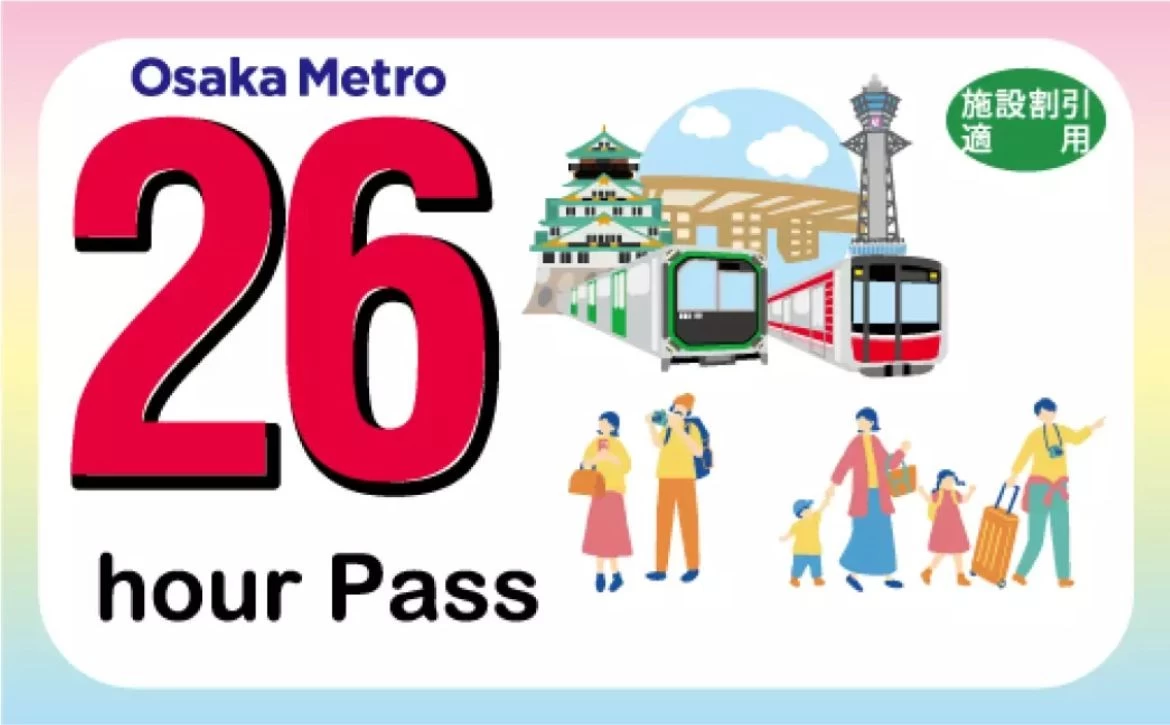
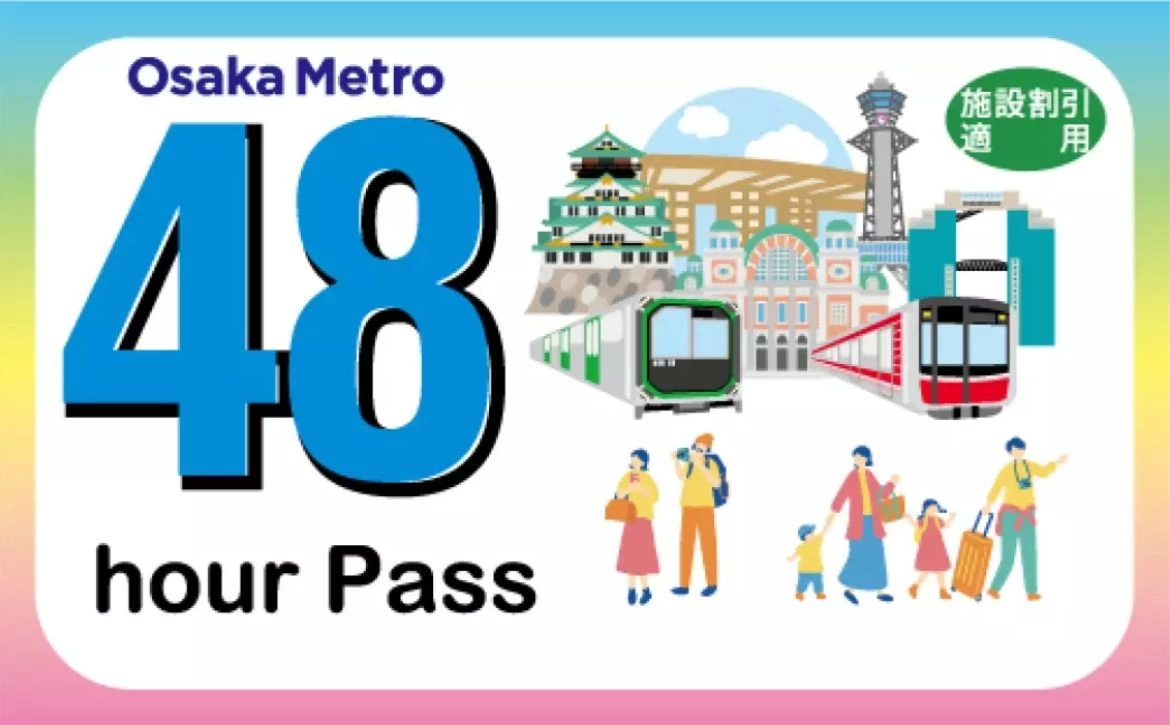
Osaka Metro 26 / 48 Hour Ticket (QR Code)
 1

No date/time selection needed for ordering. This voucher is valid for 30 days from order confirmation.
◆Expiration date: Must be activated within 30 days from booking and must be used continuously for 26/48 hours(depending on the option you selected) after activation.
◆Valid: Unlimited rides on designated routes
◆How to use: Scan the QR code directly
◆ Applicable to:
All 9 Osaka Metro routes (including Dream Island station) ※Not applicable to Imazato Liner
Buses are not available
◆ Important notes:
This pass is not applicable to Hankyu, Kita-Osaka Kyuko Railway, Kintetsu, or other company routes.
During your trip, if you exceed the valid area, please inform the staff at the arrival station and pay the additional fare.
When taking the subway, simply scan the QR code at the ticket gates that support QR codes for entry and exit.
If you enter the station within the ticket's validity period, you can exit the station once even if the validity period expires during your journey.
Each ticket is valid for one person only. (Up to 4 people can use one smartphone)
If the tram service is temporarily suspended, only tickets that have been activated and are within the validity period can be used for designated alternative transportation.
Even if the ticket has been used on the same day, it cannot be used for alternative transportation once it exceeds the expiration date.
If you cannot display the ticket due to device malfunction, electronic device power depletion, or unstable communication services, you will not be able to use this service. In such cases, please pay the fare separately before using the service. Please note that fares paid during the period when the ticket cannot be displayed will not be refunded.
The use of tickets is subject to the terms and conditions, passenger regulations, and other relevant policies of each transportation company.
Notes for purchasing multiple tickets: If you purchase multiple tickets at once, the system can only activate all tickets simultaneously and they cannot be used separately. Please ensure all tickets are used for the same itinerary. If you need to use them on separate occasions, please purchase them individually.
◆ Other info:
For Osaka Metro route details, please refer here: reference link
Osaka Metro NiNE for tourists: https://metronine.osaka/zh/
For details on participating facilities, please visit: reference link
Detailed instructions
Simplified Chinese https://content.linktivity.io/supplier-link/osakametro/WRRXU_b6a3e8c8-3b0f-4814-bac4-58396b0d6656.pdf
Traditional Chinese https://content.linktivity.io/supplier-link/osakametro/WRRXU_f5edff63-ab9f-4de6-8462-13f22a4fa8df.pdf
Important Information:
◆Facility usage deal
When using discounted facilities, please present the ticket image to the staff. If the ticket image cannot be displayed due to system errors or other reasons, the discount will not be applicable.
Please note that if the facility is closed or the ticket image cannot be displayed, you may not be eligible for the discount. In such cases, cancellation or refund requests will not be accepted.
◆To prevent unauthorized use, when opening your e-ticket in a different environment from where it was first accessed, the system will require OTP (one-time password) verification. Please follow these steps to complete the verification.
1. Please enter a valid email address and press the send button.
2. Please check your email for the OTP password message. If you cannot find the email, it may have been classified as spam. If it is still not found in spam, the email address you entered may be incorrect. Please reopen the e-ticket on the website and re-enter your email address.
3. Enter the OTP password from your email on the e-ticket screen and click confirm. If the password is correct, it will switch to the e-ticket usage screen.
※Please note: Once OTP verification is completed, the email address cannot be changed. Therefore, please make sure to enter your own email address when performing verification.
※Do not use night mode on your phone as it may prevent the QR code from being scanned.
Cannot cancelled, refunded or changed.