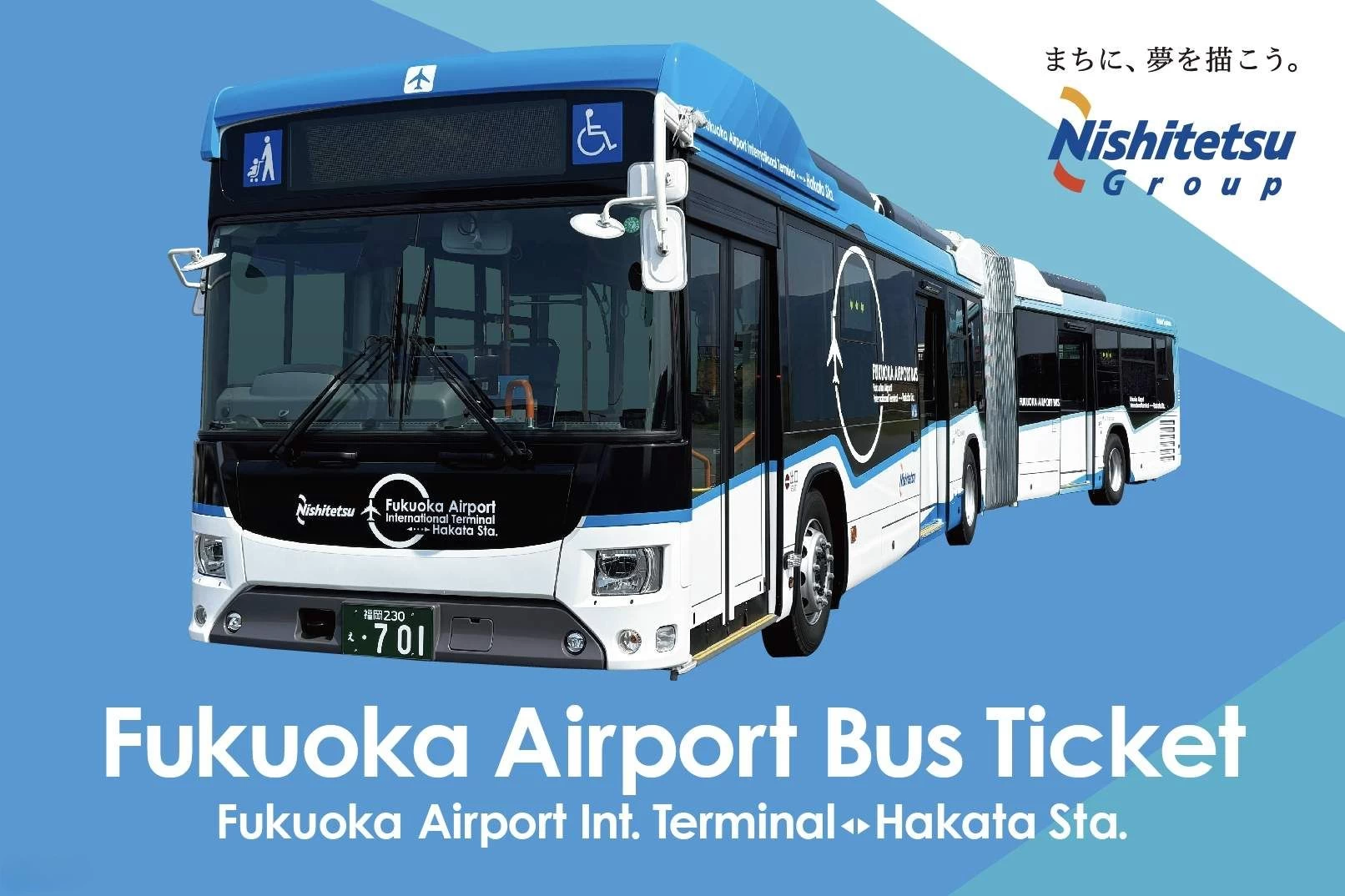
AIRPORT BUS TICKET by Nishitetsu Bus (Fukuoka Airport ⇄ Hakata Station)|One way Bus Transfer Ticket
 1
1
Notice: No date/time selection needed for ordering. The voucher is valid for 90 day(s) from the booking confirmation date.Please check the validity period.
Optional Direction:
1、Fukuoka Airport →Hakata Station
【About this package】
What's included
- One-way transfer ticket: From Fukuoka Airport to Hakata Station
- Address
-Fukuoka Airport
-Fukuoka Airport International Terminal, 1st Floor, Bus Stops 6 and 7
Not included
- Other personal expenses
2、Hakata Station → Fukuoka Airport
【About this package】
What's included
- One-way transfer ticket: From Hakata Station to Fukuoka Airport
- Address
-Hakata Bus Terminal
-Hakata Station Chikushi Exit Bus Stop
Not included
- Other personal expenses
【Terms & Conditions】
Confirmation
You'll get confirmation within minutes. If you don't see any confirmation, reach out to our customer support.
【How to use】
Usage validity
The voucher is valid for 90 day(s) from the booking confirmation date. It expires at 23:59 on the last day
Voucher type
Present your mobile voucher
Redemption information
-Press the start button to activate the ticket (valid for 1 hour from the time of use)
-When getting off, present the valid ticket to the driver
*If the time on the ticket is not moving, the ticket is invalid
【Good to know】
Eligibility
-Children aged 0-12 must be accompanied by a paying adult
-Children aged 12+ will be charged the same rate as adults
-Children under 12 cannot purchase or use tickets alone
-Children aged 0-5 can travel free of charge
Additional information
-Different accessibility is provided for locations, please refer to the locations website before the visit
-A stable communication environment is required to activate and display the ticket screen
-When multiple passengers use the same ticket screen, boarding and alighting within the section is only valid if all individuals travel together
-Delays or cancellations may occur due to road or weather conditions. Please check the operational status in advance
-No refunds or extensions of validity will be provided for bus delays. Additionally, alternative buses will not be arranged
-If you wish to cancel before starting to use the ticket, please contact the place of purchase. Cancellations or changes are not permitted after the ticket has been activated
-Recommended Environment for Digital Tickets: iOS: Version 15 or later with Safari (latest version) Android: Version 10.0 or later with Chrome (latest version) *Even in the recommended environment, usage may vary depending on the device or other conditions.
Redemption information
-Present your QR code/voucher to enter directly
-Access and use might be limited based on congestion levels
-Tickets cannot be resold. Any resold tickets will be deemed invalid
-When boarding, open the usage screen from the link sent to you at the time of purchase, press the “Use” button, and show the screen to a staff member (driver)
-Please ensure you have a stable network connection, as you will need to access the web page on your smartphone
-Screenshots and printed copies cannot be accepted
-If you purchase multiple tickets in one transaction, they cannot be used separately, and all tickets will be activated simultaneously. To use the tickets individually, please purchase them separately
-For security purposes, you may be required to authenticate using a one-time password (OTP). If prompted, please follow the steps below:
1.Enter the email address to receive the OTP and press the send button
2.Check that the OTP has been received by the email address set up in step 1. (The email containing the OTP will be sent from the domain “@linktivity.co.jp.” Please also check your spam folder just to be sure. If you can’t find it there, your email address may be incorrect. Open the URL for the usage screen from the voucher again and try again by entering your email address.)
3.Enter the OTP listed in the received email into the ticket screen and press the Confirm button. If you enter it correctly, the usage screen will be displayed. (Once OTP authentication is complete, the OTP will be sent to the email address you set. This email address cannot be changed, so please set an email address that can be confirmed locally on the day of use.)
Cancellation Policy:
Can not cancelled, refunded or changed